

Quick Answer
Generative UI is Google's name for interfaces Search codes on the fly for a single question: a loan calculator, a chart or a simulation built inside the answer. It reached AI Mode in November 2025, and by August 2026 it had launched globally in English there and started reaching AI Overviews. That ends the free tool whose only job was ranking for a public calculation, while tools built on your own data, saved state or judgment still earn their place.
For a decade the free tool was a founder's cheapest SEO bet. You shipped a calculator or a checker in an engineer-week, it ranked for a query with steady volume, and the people who used it remembered your name.
That bet assumed Google would send the searcher to your page to run the calculation. Google now runs it on its own page, and it said so in its own announcements rather than leaving you to read it off a traffic graph.
This covers what Google shipped and on which dates, the one test that sorts a free tool into keep or rework, and the three kinds of tool Search cannot rebuild.
What Google Shipped When It Put Generative UI in Search
Google shipped generative UI in three steps, and each step widened who gets it. Every date below comes from Google's own posts, not from coverage of them.
| Date | What Google announced | Who gets it |
|---|---|---|
| November 18, 2025 | Gemini 3 in AI Mode codes interactive tools and simulations for your query | Google AI Pro and Ultra subscribers in the US |
| May 19, 2026 | Generative UI promised for everyone in Search, free, plus mini apps built with Antigravity | Everyone for generative UI; Pro and Ultra in the US first for mini apps |
| August 19, 2026 | Generative UI launched globally in English in AI Mode, rolling out in AI Overviews | Anyone searching in English in AI Mode; AI Overviews rolling out |
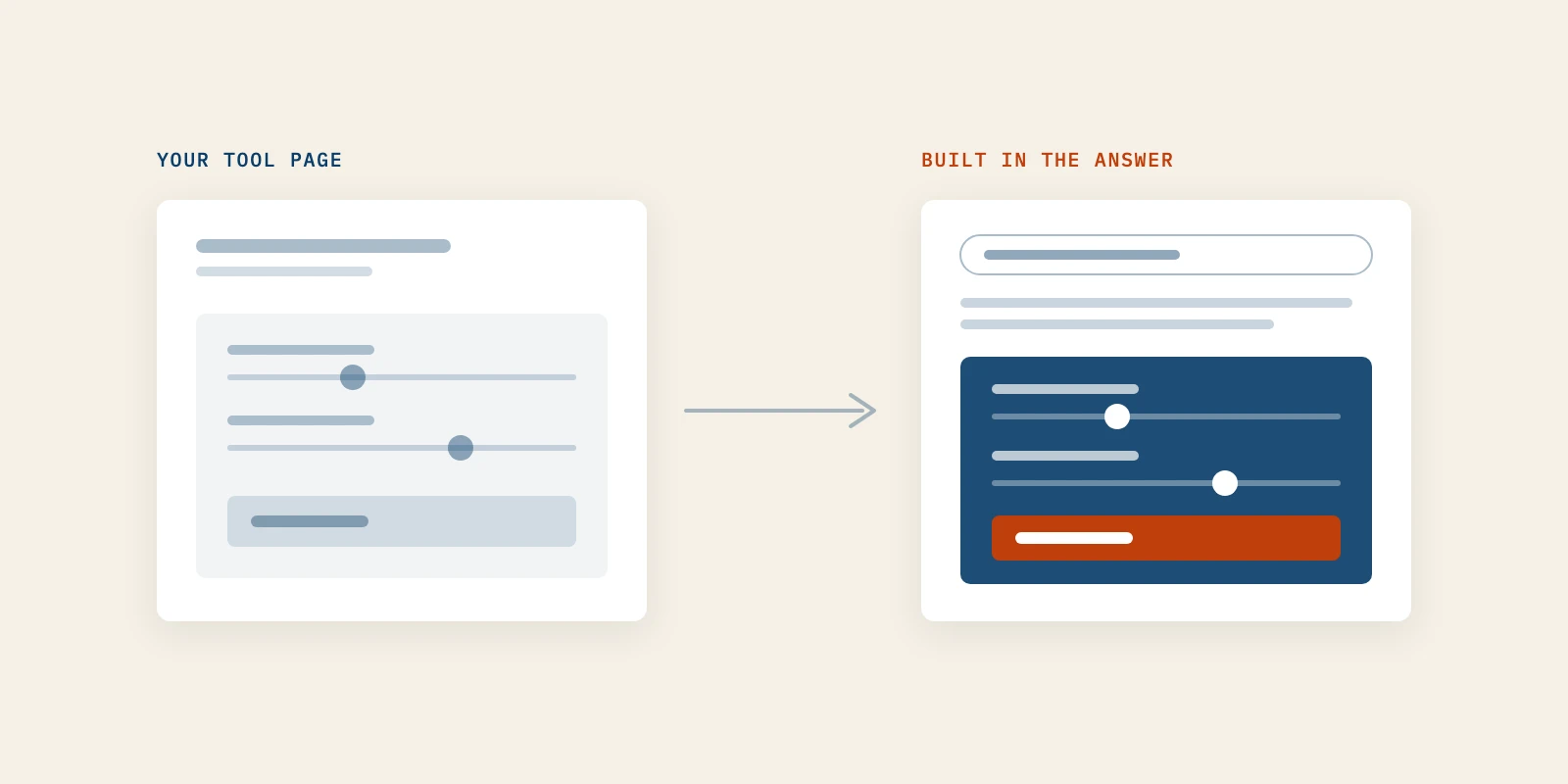
The November post is the one to read closely. Google's worked example was a mortgage question, and the answer was "a custom-built interactive loan calculator directly in the response," according to the Gemini 3 in Search announcement. That is a free tool, built for one searcher, on Google's page.
The May post, A new era for AI Search by Elizabeth Reid, VP of Search, widened it to everyone. Search "can build the ideal response, in the right format for your question — completely on the fly," and AI Mode had passed one billion monthly users a year after its debut.
The August back-to-school post turned the promise into a product. Generative UI capabilities "have launched globally in English in AI Mode," Google wrote. Its example is a plain search for "ph scale" returning an interactive visual inside an AI Overview.
One layer stays paid for now. The mini apps, which Google describes as custom dashboards or trackers "that you can continue to come back to," start with Google AI Pro and Ultra subscribers in the US.
Generative UI Ends the Easy Version of the Free-Tool Play
Generative UI ends the version of the free tool whose only job was to rank for a calculation. It doesn't end the tool people keep, cite or return to, and most founders never separated those two jobs.
The tactic has a name, engineering as marketing, and it worked because one page did two jobs at once. You can see the split clearly once you write the jobs side by side.
| Job | What it looked like | After generative UI |
|---|---|---|
| Acquisition | Rank for "X calculator" and catch the searcher at the moment of need | Weak wherever Search codes the same tool in the answer |
| Memory | The bookmark, the link in a Slack thread, the name a buyer recalls | Intact, and now the only job worth building for |
Teams chased the first job and got the second as a side effect. With generative UI now reaching AI Overviews, the first job is the one Google does on its own page, so the second has to be designed on purpose.
This is why content marketing for tech companies can't treat a free tool as a traffic line item any more. A tool page that ranked and converted nobody was already fragile, and it now competes with the results page itself.
The Survival Test Every Free Tool Now Has to Pass
A free tool survives generative UI when Search can't rebuild it in one turn from public knowledge. Ask whether Google could produce the same thing for a stranger, right now, using nothing but what is already on the web.
If the answer is yes, your tool has become an answer format. If any one of these four conditions holds, it hasn't:
- It runs on data that is not public, and that you keep current.
- It saves the user's state, so the second visit starts where the first one ended.
- It hands over an artifact the user sends to someone else or reopens later.
- Its output is a judgment made by a stated method, not a formula anyone can look up.
Run it honestly, one tool at a time. A few common tools sort like this.
| Tool | Survives generative UI | Why |
|---|---|---|
| Mortgage or loan calculator | No | Public math, standard inputs, and Google's own example |
| Unit or currency converter | No | Public reference data, answered in one turn |
| Keyword difficulty checker | Only with its own crawl data | The index behind it is the asset, not the score |
| Benchmark built on your customers' usage | Yes | Private data you refresh on a schedule |
| Readiness score with a published rubric | Yes | A judgment someone can cite and argue with |
Google's own guidance points the same way. Its Search Central guide to generative AI features tells site owners: "Don't just recycle what others on the internet have already said, or could easily be produced by a generative AI model." A public calculator is, by construction, the second thing.
Three Kinds of Free Tools Generative UI Cannot Absorb
Three kinds of free tool hold up against generative UI: data only you hold, state or an artifact the user keeps, and a judgment made by a method. Each needs a different build, and each fails in its own way.
For each one below you get what it is, how it works, an example, how to build it, how to tell it worked, and the mistake that sinks it.
1. Tools That Run on Data Only You Hold
The first kind is a tool whose value sits in a dataset, not in the arithmetic. Search can assemble the interface on the fly, but it can't query a table it has never seen.
Think of a pricing benchmark drawn from your own invoices, a usage percentile computed across your customers, or a survey panel you rerun each quarter. The calculation is trivial and the rows behind it are not.
To build one, start from what your product already records and ask which slice a buyer would want to see. Aggregate it until no single customer is identifiable, publish the sample size and the date range beside the result, and refresh it on a fixed schedule.
A blunt check tells you whether the moat is real: if the underlying data became public tomorrow, would anyone still open the tool? If not, the data was the asset all along, and it needs feeding.
You'll know it worked when other people's pages cite your number and link the tool as the source. The mistake is publishing once and letting it go stale, because a year-old benchmark is just a public fact with a date on it.
2. Tools That Keep State or Hand Over an Artifact
The second kind remembers. It saves inputs across visits, or it produces something the user keeps: a report, a worksheet, a link that reopens their exact scenario.
Generative UI is strongest on the first screen and weakest across time. An answer built for one question disappears when the tab closes, while a saved plan pulls the user back next week.
A launch-readiness checklist that stores which items a team has closed, and emails the owner when one slips, is this kind of tool. So is a vendor comparison a founder exports and sends to a cofounder before a call.
Build it by giving every result a permanent URL and a reason to return, such as progress, a changed input or a teammate's edit. You'll know it worked when repeat visits and shared links outnumber first visits from search.
The honest caveat is that Google is moving onto this ground too. The mini apps it announced in May are dashboards and trackers built with Antigravity that users come back to. A tool whose only edge is saved state has a shorter runway than one that also carries your data or your judgment.
The common mistake is treating a login wall as state. Forcing a sign-up before any value appears sends the searcher straight back to the answer Google already built.
3. Tools Whose Output Is a Judgment With a Method
The third kind gives a verdict. A grade, a ranking, a recommendation or an opinionated default is a position, and a position backed by a published method is something people quote.
Answer engines summarize public facts well. They're weaker when the asset is a stated point of view someone has to defend, because the value of the tool is the author standing behind it.
Examples include a positioning score with its rubric printed under the result, a channel recommendation that names what it rejected and why, or a site audit that ranks fixes by expected effort.
Build it by writing the method first, as a page of its own, then making the tool apply it. State the inputs, show the weighting, and make the output a sentence someone can paste into a board deck.
Citation still has a floor. Google's documentation on AI features in Search says a page must be indexed and eligible to be shown with a snippet before it can appear as a supporting link. A verdict that exists only after a form submit, with no crawlable page of its own, gives Search nothing to link.
That floor is the part of the work Better Marketing treats as an AI SEO service job: the method page, the crawlable result and the sentence worth lifting, before anyone builds a widget.
You'll know it worked when the tool's verdict shows up quoted in other people's writing, or named inside an AI answer. The mistake is hedging the verdict until it says nothing, which turns a judgment back into a commodity.
When Generative UI Is Not the Threat to Your Free Tool
Generative UI isn't the threat when your tool never depended on search in the first place. Several situations fall outside it, and treating them as endangered spends an engineer-week on the wrong fix.
- The tool lives inside your product, behind a login, and exists to keep customers rather than attract strangers.
- Your buyers find it through a community, a newsletter or a partner, not through a Google query.
- The job needs your product to finish, such as an import, an integration or a live account.
- The query it ranks for shows no AI Overview and no AI Mode prompt when you check it by hand, and you recheck it every quarter.
There's also a limit to the test itself. It sorts tools by what Search can build today, and Google's own timeline shows that ceiling rising every few months, so a pass is a reason to keep building rather than a guarantee.
The last limit is traffic you never had. If the tool earned a handful of visits a month before any of this, generative UI didn't cost you much, and the rework matters less than whatever else the engineer-week could buy.
What to Do With a Tool Generative UI Can Rebuild
A tool that generative UI can rebuild should change jobs, not disappear. Deleting it throws away the links and familiarity it earned, while repointing it costs an afternoon.
- Keep the URL live, and put the tool below a written argument that explains what its numbers mean.
- Add the one thing Search can't produce: your data, your method or your recommendation.
- Link it from the posts where the calculation is evidence, so it supports a claim instead of carrying acquisition.
- Drop it from the acquisition targets you report on, so nobody grades it on clicks it can no longer win.
- Watch the page in Search Console for a quarter, and retire it only if it earns neither links nor visits.
This is the same move content marketing for tech companies has had to make with every commodity format. The page stops trying to be the answer and starts being the source an answer cites.
If you're choosing who does this work, an AI SEO service should start with that inventory: every tool page, what it ranks for, and whether the query now shows an interactive answer. A B2B demand generation agency will ask the next question, which is what the tool does for a buyer on the second visit.
For the wider shift in how Google answers above its own links, read our response plan for AI Overviews.
Spend the Next Engineer-Week on Being the Source
Generative UI didn't end free tools. It ended the lazy version, where a public calculation carried your acquisition on its own.
Before you build one, ask what data you hold that others don't, what judgment you can package with a method, and what artifact a buyer will reopen. If none has an answer, build less and write more, starting with how startups get cited by AI answers.
A tool that passes is a trust asset, and trust turns a stranger into a first customer. Converting that trust is the work Better Marketing does as a B2B demand generation agency, with no ad spend and the source doing the talking.