

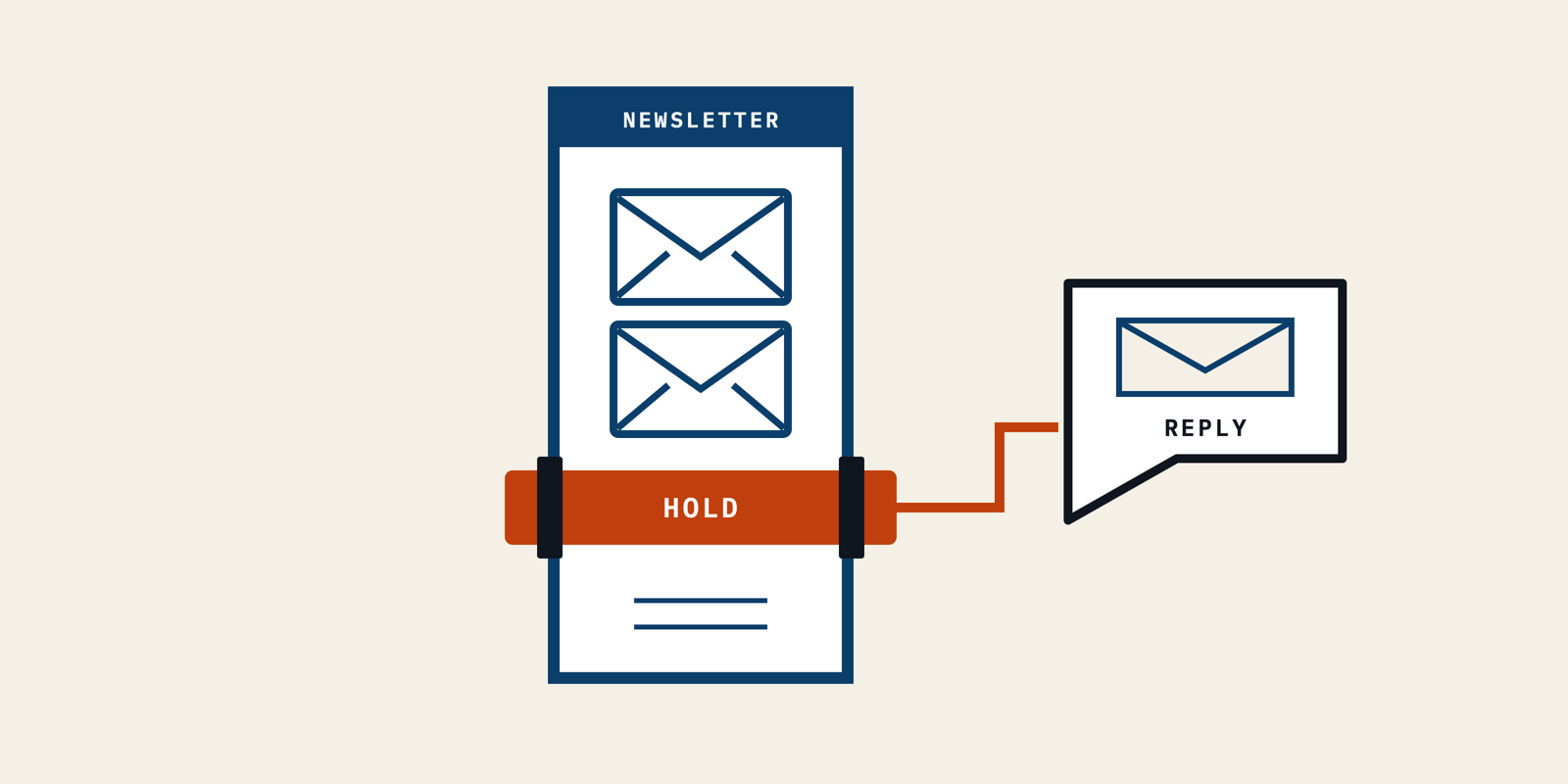
Quick Answer
Build B2B newsletter automation around a current eligibility rule, then put buyers on hold when they reply. Pair reply detection with controls that end the relevant nurture journey, and check the intended plan supports both. Test duplicate signups, replies during waits, parallel journeys, re-imports and withdrawn permission using controlled inboxes. Give each held contact an owner, and require an explicit review before automated follow-ups resume.
Email automation uses rules to decide which emails a system sends and when. For a B2B newsletter, I would make permission to send the central rule.
A seed-stage founder can answer a buyer personally while a separate tool keeps sending sales nudges. Each system can appear healthy in isolation. The embarrassing email arrives because the conversation and the sending rules never meet.
I would fix that connection before adding another branch to the welcome sequence. This guide covers the contact fields, reply controls, release tests and ownership needed to do it.
Build Your B2B Newsletter Around Five Send Eligibility Checks
I would build an email marketing automation workflow around one question. Is this contact eligible for this message now? Email automation needs that answer at the sending step, not just when someone joins.
For B2B email marketing automation, I would start with five checks. They form a proposed operating method, not a claim that every platform enforces the same controls.
1. Record Permission and Stable Identity
I would store one stable contact ID, the subscribed address, subscription source, permission status, nurture status, reply timestamp and assigned owner. Add the workflow version so a later investigation can identify the rules that applied.
Keep these fields separate. A reply is evidence of a conversation; it does not, by itself, tell the system which future messages that person wants.
My proposed nurture status has three values. This is a small operating vocabulary your team can map to its own platform fields.
| Status | Automated Sales Nudges | Required Action |
|---|---|---|
| Eligible | Allowed after the other checks pass | Check permission and current journey |
| Hold | Blocked for the named nurture scope | Owner reviews the conversation |
| Suppressed | Blocked according to the applicable permission or delivery restriction | Resolve the restriction without silently restoring permission |
Audience segmentation groups contacts by relevant characteristics. I would use the current nurture status as one membership condition, rather than copy people into a permanent “safe to send” list.
For a hypothetical signup form, I would record newsletter_form as the source and Eligible as the nurture status only after the intended confirmation step. An imported address with an unknown subscription history stays outside this journey.
If the business has not established who subscribes or what the newsletter promises, I would settle the first newsletter and reader choice before automating enrollment. Sending rules cannot repair an unclear invitation.
2. Admit Each Signup Only Once
I would let the signup start a welcome journey only when permission is valid, no hold applies and that contact has not already entered the same version. A repeated form event should not create a second welcome email.
An automation trigger is the event or condition that starts the journey. ActiveCampaign documents different triggers, including forms and tag changes, with their own behavior.
Its trigger documentation says a double-opt-in form starts the automation after confirmation. I would check that event in the contact history.
I would define a repeatable identity for enrollment, such as contact ID plus welcome version. The implementation might be a field, a membership condition or a stored event key; the acceptance test stays the same.
Say a form submits twice because a visitor retries a slow page. In that hypothetical test, both events refer to the same enrollment. I would expect one journey entry and one welcome message, with evidence of how the duplicate was ignored.
Choose the re-entry setting deliberately. “Every time” is a business rule, not a harmless default. I would avoid allowing a routine profile update to restart the welcome journey.
3. Put Buyer Replies on Hold
I would treat an incoming reply as a reason to hold automated sales nudges and ask a person to review the conversation. The hold needs a timestamp, a scope and an owner.
First prove that the sending system can detect the reply. In ActiveCampaign's reply-trigger instructions, reply tracking must be enabled; it is off by default. Enabling it affects future sends, not emails already sent.
That setup detail matters. I would send a new controlled campaign after enabling tracking, reply from its recipient inbox, and check that the contact received the expected event.
My hold action would record the reply, block the named nurture flows and create a review task. I would not make the content of the reply responsible for switching sending back on.
An out-of-office message can be difficult to distinguish from a useful buyer reply. I would initially hold either and let the owner classify it. That trades some manual review for a simpler release rule.
Keep the scope explicit because “hold newsletter sales follow-ups” is different from changing all subscription preferences. I would handle necessary account messages and permission settings through their own documented rules.
4. Check Eligibility After Every Wait
I would check permission, hold status and enrollment identity again immediately before each follow-up. A contact can become ineligible while a timer runs.
A hypothetical welcome flow might wait two days before offering a relevant article. If the buyer replies during that wait, my expected outcome is a recorded hold and no further automated sales nudge.
The difficult boundary is a message already queued for delivery. An exit action is not evidence that every downstream queue recalled its work.
I would ask the provider which queued states can still be cancelled and reproduce that boundary in a controlled test.
Record three separate times, when the reply was received, when the hold was applied and when the message was handed off for delivery. Those times help distinguish a late signal from a rule that ignored an existing hold.
If a reply reaches the inbox after the provider has already handed off the email, I would record that as a timing limitation. I would not describe the workflow as capable of recalling a delivered message.
If the team cannot reliably connect reply detection to sending eligibility, I would keep follow-ups under human approval. A long delay alone does not prove that the next message is safe to send.
Pro tip: I would keep the inbox receipt time and the automation event time in separate fields. A single “replied” timestamp can hide where a delayed signal entered the system.
5. Require an Owner to Approve Re-Entry
I would keep a reply hold in place until a named owner decides what happens next. A new signup event, list import or deal-stage update should not silently erase it.
The approval record needs the person, time, reason and permitted journey. “Conversation complete; reader requested the monthly newsletter” is an actionable instruction. “Reset contact” tells the next operator very little.
I would put that decision alongside the interaction history in the customer relationship management (CRM) record. The sending tool still needs the resulting eligibility value; a note that only a salesperson can see cannot block an email.
Re-entry should have its own check. For a hypothetical contact returning after a conversation, I would confirm current permission and admit the intended journey once, without replaying the original welcome email.
My stopping rule would be written before the message copy. Permission must be valid, the nurture status must be eligible, no relevant active conversation hold can exist, the intended enrollment must be present, and no conflicting journey can be active. The team can then challenge each condition before release.
Choose a Provider That Can Detect Replies and End the Right Journey
I would choose newsletter automation software by proving reply detection and journey exit separately on the intended plan. Email automation needs both capabilities to support a reply hold.
• Verify Native Campaign Reply Controls
I would ask for a demonstration using the exact campaign type the team plans to send. Campaign replies and replies to sales emails can follow different product paths.
The following documentation check was made on 15 October 2026. It is a capability comparison, not a ranking of the two providers.
| Provider | Documented Mechanism | What I Would Verify Before Buying |
|---|---|---|
| ActiveCampaign | Reply tracking plus a campaign reply trigger; its actions documentation lists “End another automation” under Professional and Enterprise | Tracking on the actual campaign, the intended plan's exit action, and the named flows stopped |
| Customer.io | Exit conditions can use profile attributes, events or segment membership; matching any configured exit condition can end a journey | How the reply becomes an attribute or event, which journeys use it, and when an already-waiting message stops |
For ActiveCampaign, I would check the account's available actions before building around a feature shown in a generic tutorial. A reply event on its own is not the complete stopping rule.
I would also name the journeys to end. Stopping a welcome flow while leaving a separate sales follow-up running does not meet the buyer-facing requirement.
• Supply a Reliable Reply Signal to Attribute-Based Journeys
For an attribute-based setup, I would define who writes the hold field and how a failed update becomes visible. Customer.io's exit conditions still need the relevant information to reach the contact profile or journey.
A webhook can carry a signal between applications. I would treat its mapping, authentication, retries and contact matching as implementation work, not assume that drawing a connector proves the reply arrived.
Specify the source inbox, supported messages and contact ID. A reply to an unmonitored address cannot reliably update a rule that listens elsewhere.
I would ask the implementer to demonstrate a failed signal and recovery, using controlled data. If that evidence is unavailable, I would require manual approval before the next sales follow-up.
The operating brief for a B2B newsletter should include these reply and handoff rules alongside the editorial work. I would make the owner and release test part of that brief.
Prove the Stop Rule With Six Repeatable Contact Tests
I would test Email automation with controlled inboxes and a contact-level evidence ledger before admitting subscribers. These email marketing automation examples are proposed test fixtures, not reported campaign results.
1. Send One Welcome for a Confirmed Signup
I would submit the real signup form using a controlled address and complete any confirmation step. Check the stored permission, contact identity, enrollment and received welcome message.
The pass condition is one intended enrollment and one welcome, with the relevant event and message IDs. A preview email tests rendering; it does not prove the enrollment rule.
2. Replay the Same Signup Event
I would repeat the same form submission for that contact without changing the journey version. Capture the second incoming event and the enrollment decision.
The pass condition is no duplicate welcome journey or message. If the provider intentionally creates separate entries, the test has exposed a rule to change before release.
3. Reply During the Waiting Step
I would place a controlled contact in the follow-up wait, reply from its inbox and watch the hold field change. Leave enough time to reach the original scheduled send boundary.
Keep the inbox receipt, reply event, hold change and message history together. Repeat close to the queue boundary to document the provider's actual cancellation limit; do not infer it from an earlier test.
4. Try a Second Nurture Journey
I would enroll a controlled contact in each sales-nudge journey covered by the hold, then reply. Verify each named journey and its next possible send.
The pass condition is consistent enforcement across the stated scope. I would preserve the subscription preferences and inspect unrelated message rules separately, so the test does not hide an accidental global change.
5. Import a Contact Already on Hold
I would import a controlled held contact through the same mapping planned for subscriber imports. Inspect the resulting fields before allowing the import to trigger sending.
The pass condition is that the hold survives and no unintended enrollment starts. A fresh source value or list membership must not replace a human conversation decision.
6. Repeat With Permission Withdrawn
I would use a controlled contact to withdraw newsletter permission during a wait. Then replay the signup or import event without granting fresh permission.
The pass condition is no resumed newsletter follow-up. Keep the permission change and blocked-send evidence, so the team can distinguish a working restriction from an email that simply failed to deliver.
My ledger would contain the following evidence for every test:
| Evidence | What the Record Must Show |
|---|---|
| Contact and journey version | Which rules the test exercised |
| Input event and timestamp | What should have changed eligibility |
| State change and timestamp | The permission or hold value after processing |
| Send decision and message ID | What the sending system allowed or blocked |
| Owner and outcome | Who reviewed the trace and what requires repair |
These are the email marketing automation best practices I would insist on before adding more paths. Test the boundary, keep the trace and fix the failed rule. A green workflow diagram is not a contact-level acceptance record.
Pro tip: I would keep a controlled contact permanently excluded from subscriber reporting and rerun the reply test after a workflow edit. Give its test messages a clear internal label so they cannot be mistaken for buyer activity.
Assign a Reply Owner and a Small Release Window
I would name a primary reply owner and a backup before releasing Email automation. The software can mark a hold; someone still has to read the buyer's message.
• Give Every Hold an Inbox Owner
I would put the source inbox, reply timestamp and contact link in the review task. The owner should be able to find the original message without searching multiple tools.
Choose a response window the team can staff and write it into the operating note. For a hypothetical small team, I would start with review each working day, with a backup covering absences.
That is a proposed staffing rule, not a response-time benchmark. If a board meeting takes the founder away, the backup needs authority to keep the hold and answer the conversation.
I would settle long-cycle B2B email content separately from the permission to send it. A useful article can still be an inappropriate automatic nudge during a live sales exchange.
• Keep a Rollback Record for Every Change
I would release one tested journey to a controlled slice of eligible subscribers and inspect actual contacts before expanding it. Record who can pause enrollment and who can stop messages already in progress.
Keep the prior workflow version, changed conditions and acceptance traces together. If a field mapping fails, pause the affected sales nudges and repair the signal before resuming them.
My review would examine holds awaiting an owner, signals that failed, unexpected re-entry and sends after a recorded hold. Those records explain behavior the aggregate campaign report cannot.
For planned article emails, I would keep content distribution choices in the editorial plan. A resend or a new issue still needs the contact's current eligibility checked at release.
Release One Tested B2B Newsletter Journey
I would release a B2B newsletter workflow only when a controlled signup enters once, a reply changes eligibility, and the intended follow-ups stop within the verified sending boundary. Email automation also needs a named person to resolve the hold.
Start with the written rule and run the contact tests before adding another message. Keep the event trace when something fails; it tells the team which connection needs repair.
My next step would be to assign the reply owner and schedule the first controlled test. For help connecting that operating brief to the newsletter's editorial work, I would bring it to Better Marketing.