
Quick Answer
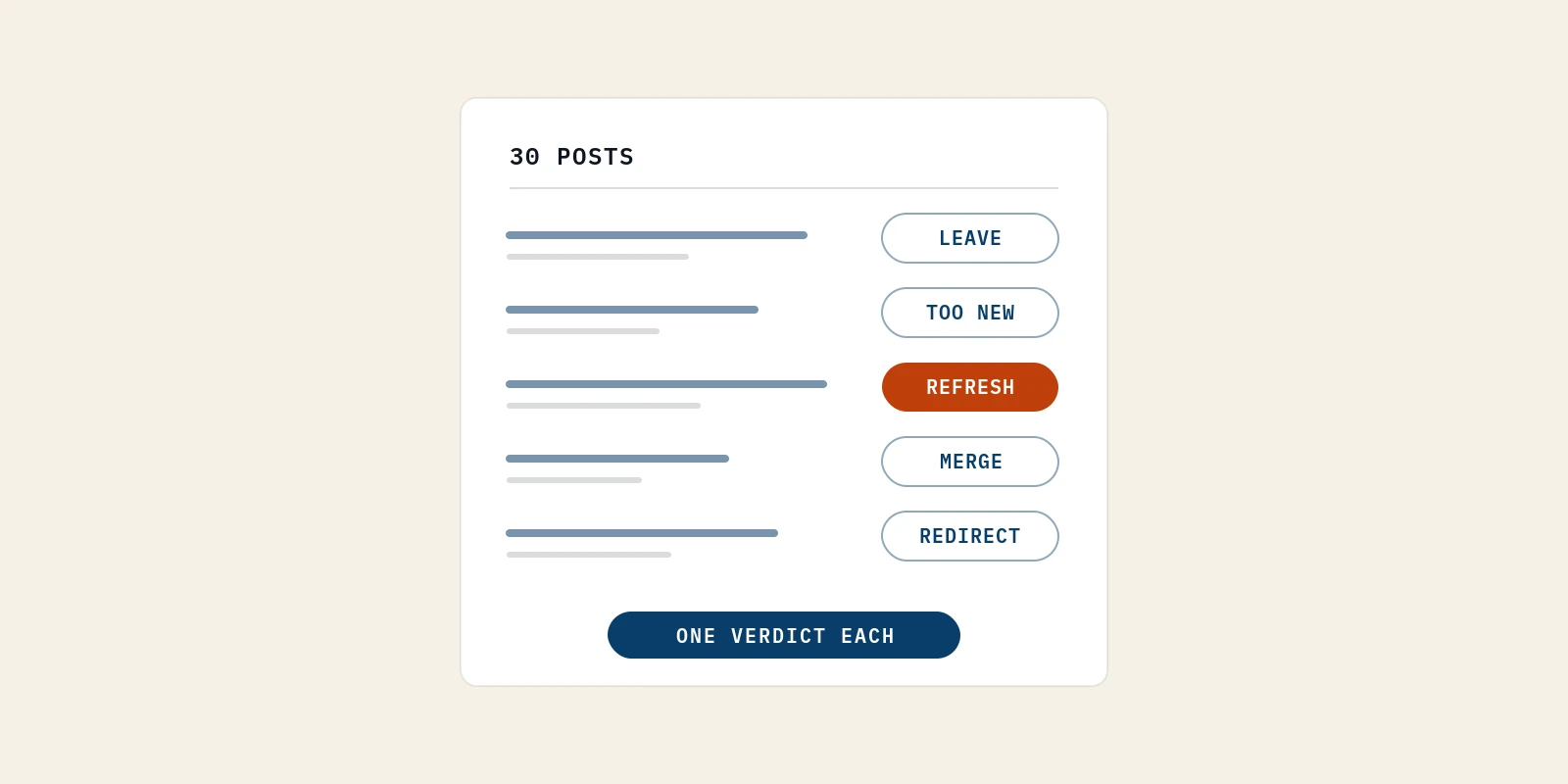
A content audit on a small SaaS blog takes one weekend and needs only a sitemap, Google Search Console and a spreadsheet. Each post gets one verdict, either leave alone, too new, refresh, merge, retarget or redirect. Impressions and buyer fit decide it, since clicks are too sparse. Fixes follow in order of effort, with deletion last. That order keeps content marketing for tech companies moving with a team of one.
A content audit is a post-by-post review of everything you have published, ending in a written decision about each piece. Most guides to it assume thousands of pages and a team to split the work.
I'm writing for the founder who has neither. You have around 30 posts, a domain a year or two old, and a traffic line that has not moved in months.
In this blog I'll cover my one-weekend method and the six verdicts I give each post. I'll also cover how to spot two posts fighting over one search, why deleting comes last, and what to fix first.
How I Do a Content Audit on a 30-Post SaaS Blog in One Weekend
I do a content audit on a small blog in five steps. I list every post, pull 16 months of Search Console data, check indexing, score buyer fit, then write one verdict per post. Nothing in it needs a paid tool. The whole content audit fits in one spreadsheet and roughly two working days.
Here is how I run each step.
1. List Every Post From Your Sitemap Into One Sheet
I start with a content inventory, which is simply a list of every URL you have published. On a small blog I skip crawlers and open /sitemap.xml in the browser, then paste the blog URLs into a sheet.
Most CMSs generate the sitemap automatically. If a post is missing from it, write that down, because a post Google cannot find in your sitemap is harder for it to discover.
This is the content audit template I use. It is deliberately short, because a founder with 30 posts does not need 40 columns.
| Column | What goes in it | Where it comes from |
|---|---|---|
| URL | The full post address | Your sitemap |
| Publish date | The date it first went live | Your CMS |
| Target query | The one search the post was written to win | Your notes, or your best guess |
| Impressions (16 months) | Times the post appeared in Google results | Search Console, Pages tab |
| Clicks (16 months) | Times someone clicked through | Search Console, Pages tab |
| Average position | Where it usually shows | Search Console, Pages tab |
| Top 3 queries | What Google actually shows it for | Search Console, Queries tab filtered to the page |
| Indexed? | Yes, no, or the exact status | URL Inspection in Search Console |
| Buyer fit (1 to 3) | How close the topic sits to what you sell | Your judgment |
| Verdict | One of six | Step 5 |
2. Pull 16 Months of Search Console Data per URL
Google Search Console is the only data source I trust at this size. Google's own help pages say Search Console keeps data for the last 16 months, so set the date range to the full 16 months, not the default three.
Short windows mislead a small blog. Semrush's content audit guide suggests comparing the last three months to the previous three, which works when a page gets hundreds of visits. When a post gets four clicks a quarter, that comparison is noise.
I record impressions first and clicks second. Impressions tell me Google has decided the post is relevant to something, even when nobody clicks yet.
3. Check Index Status Before Judging Any Post
Before I judge any post, I check it is actually indexed. A post with zero impressions might be a weak post, or it might be invisible.
The Page indexing report in Search Console lists every excluded URL with a reason. Two statuses matter most on a young blog. "Crawled - currently not indexed" means Google read the page and chose not to index it. "Discovered - currently not indexed" means Google knows the URL but has not crawled it yet.
I treat these as separate problems. The first is usually about the page itself. The second is often about the site, with too few internal links or a domain Google does not visit often yet.
4. Mark Each Post's Buyer Fit on a Three-Point Scale
Buyer fit is the column most audits skip, and on a small blog I think it matters most. I score each post from 1 to 3.
- 3 means the post answers a question your buyer asks right before they would need your product.
- 2 means the post answers a question your buyer asks, but far from a purchase.
- 1 means the post was written for traffic, a trend or a keyword tool, and your buyer would never search it.
Scalerrs puts the reasoning well in its SaaS content audit guide. In its words, "A post pulling 50 visits a month that sources two demos beats a 5,000-visit guide."
At 30 posts, buyer fit is the tiebreaker for almost every verdict.
Pro tip: I score buyer fit before I look at the traffic columns. If I see the numbers first, I catch myself rating a post higher just because it gets a few clicks.
5. Give Every Post One Verdict and Write It Down
The last step is a single verdict per row. I choose leave alone, too new, refresh, merge, retarget or redirect. I write it down even when the verdict is "leave alone", because an unrecorded decision gets made again next quarter.
For timing, I budget the first weekend day for steps 1 to 3 and the second for steps 4 and 5. That is my own planning estimate for about 30 posts, not a benchmark. The slow part is reading each post honestly, not pulling data.
The Six Content Audit Verdicts I Give a Post With Almost No Traffic
In a content audit on a small blog, every post gets one of six verdicts. I choose leave alone, too new, refresh, merge, retarget or redirect. I decide using age, impressions, average position, buyer fit and overlap with other posts, in that order.
Clicks come last, because at this size they are too rare to separate good posts from bad ones.
This decision table is the core of my method.
| Verdict | When I give it | What I do next |
|---|---|---|
| Too new | Live for less than three months | Nothing. Re-check at the next audit |
| Leave alone | Buyer fit 3, used in sales or onboarding, stable impressions | Nothing, apart from fixing facts that aged |
| Refresh | Buyer fit 2 or 3, impressions exist, average position roughly 8 to 30 | Rewrite to match the queries Google already shows it for |
| Merge | Shares its queries or search results with another post | Combine into the stronger URL, then 301 redirect |
| Retarget | Buyer fit 2 or 3, indexed, near-zero impressions after three months | Pick a narrower query and rewrite for it |
| Redirect | Buyer fit 1 and near-zero impressions | 301 redirect to the closest relevant post |
Here is how I apply each verdict.
1. Too New to Judge
I never judge a post that has been live for under three months. Google's SEO Starter Guide says some changes "could take several months" to show in results.
Semrush's guide recommends "waiting at least two months" after an update before analyzing performance. For a brand-new post on a young domain, I stretch that to three months. Most big-site guides mention this case in passing at most, and it saves me from rewriting posts that were simply young.
2. Leave Alone
Some posts earn their place without search traffic. A post your founder sends to every prospect after a first call is doing its job, even with 20 impressions.
I give "leave alone" when buyer fit is 3 and the post has a clear non-search job. I still fix any number, price or screenshot that has aged, because a buyer reading it during a deal will notice.
3. Refresh
A content refresh is my verdict for posts Google already considers relevant but ranks too low to be clicked. The signal is impressions with an average position somewhere around 8 to 30. Semrush's guide calls pages with "an average position between 10 and 30" strong pages with high potential to reach page one.
The mistake I find in most refresh advice is adding length. Google's guidance on helpful, people-first content states plainly that it has no preferred word count. I open the post's top queries in Search Console and rewrite so the post answers those exact queries in its first lines and headings.
Say your post "Onboarding Emails for SaaS" shows up for "trial onboarding email sequence" at position 17. That is a hypothetical, but it shows the move. I would retitle the post around that sequence and add the sequence itself as the core of the post.
4. Merge
I merge two posts when they compete for the same search. The combined post lives at the stronger URL, and the weaker URL gets a 301 redirect to it.
Google's documentation on consolidating duplicate URLs calls a redirect "a strong signal that the target of the redirect should become canonical."
In plain terms, a 301 redirect is the permanent form of URL redirection. It tells Google to move the old page's signals to the new one.
5. Retarget
A retarget is for a good topic aimed at the wrong query. The post is indexed, buyer fit is 2 or 3, and after three months it still has almost no impressions.
That pattern usually means one of two things. Nobody searches the query, or page one is held by sites a young domain cannot displace.
In both cases I pick a narrower query the buyer actually types, check its search engine results page by hand, and rewrite the post around it. Rewriting at the same URL keeps any links it already has.
6. Redirect
Redirect is the verdict for posts with buyer fit 1 and no impressions after three months. These are usually trend posts or keyword-tool posts that no buyer would search.
I 301 redirect each one to the closest relevant post rather than deleting it into a 404. If nothing on the blog is close, I redirect to the blog index. This is the only kind of content pruning I do on a blog this small.
Pro tip: Before any merge or redirect, I copy the old post's text into a private doc. A strong paragraph from a retired post can still open a future one.
How to Tell If Two Posts Compete for the Same Search in a Content Audit
Two posts compete when Google shows either of them for the same queries, or when their target queries return mostly the same results. I check both during the content audit before I merge anything.
On a 30-post blog this is easy to miss. It can start when the same topic gets written twice, a year apart, under two different titles.
• Check the Queries Tab for Two URLs on One Query
In Search Console I open a query, then switch to the Pages tab. If two of my URLs appear for that one query, I note both. When it happens across several queries, the two posts are splitting the same demand.
• Run the Four-in-Ten Search Overlap Test
For the stricter check, I search each post's target query in a private window and list the top 10 results. If 4 or more of the 10 results are the same pages, I treat the two queries as one intent and merge. With 3 or fewer shared results, I keep both posts and sharpen each one's angle.
The four-in-ten line is a working rule I use, not a Google threshold. I like it because it tests what Google actually shows, not what I assume the two posts are about.
• Keep the Post With More Proof, Not the Older One
When I merge, I keep the URL with more impressions or more links pointing at it. Age alone is not a reason to keep a URL. The merged post takes the best material from both, and nothing from the weaker post is kept just to preserve word count.
Why a Content Audit on a Small Blog Should Not Start With Deleting Posts
A content audit on a 30-post blog should end with very few deletions, because the problems big-site pruning solves mostly do not exist at this size. Low traffic is the normal state of a young domain, not proof that a post failed.
Most pruning advice comes from large libraries. Scalerrs, writing for mid-market SaaS, expects an audit to "identify 10-30% of content as candidates" for action. That ratio makes sense with 3,000 articles. With 30 posts, it would mean retiring up to nine pieces on thin evidence.
| Question | Content audit on a 3,000-page library | Content audit on a 30-post blog |
|---|---|---|
| Main signal | Clicks and sessions | Impressions and buyer fit |
| Time window | Recent quarter vs last year | Full 16 months, or since publish |
| Biggest risk | Outdated pages diluting the site | Judging posts that are simply young |
| Typical action | Prune and consolidate in bulk | Refresh, retarget, merge a few |
| Who does it | A team, over weeks | One founder, over a weekend |
I hold back on deleting for three reasons.
• Google Says Removing Old Content Will Not Make a Site Look Fresh
Google's helpful content guidance asks if you are removing "a lot of older content" to make a site "seem fresh." Its own answer, in parentheses, is "No, it won't."
I read that as a clear signal that bulk deletion is not a ranking tactic on its own.
• Low Traffic Is the Normal State for a Young Domain
Search engine optimization on a young domain is slow, and most posts sit beyond page one for a long time.
Our post on domain authority of 8 covers what a low authority score does and does not mean. The click math behind startup SEO shows why positions below the top few barely get clicked. I expect near-zero clicks at those positions, so I do not read them as failure.
• A Post Can Sell Without Ranking
A post that closes deals when sent by hand has value search data cannot show. Our post on Chartbeat's small publisher data explains why a startup blog behaves like a small publisher. The short version is that I judge a post by the relationship it builds as well as the referrals it earns.
What to Fix First After Your Content Audit, Ranked by Effort
After the content audit, I fix posts in order of effort against likely payoff. Indexing gaps come first, then titles, merges, refreshes and finally retargets. The first two jobs take minutes per post, and the last one takes a full rewrite.
This is my running content audit checklist for the week after the audit.
1. Fix Indexing Gaps
Any buyer-fit post that is not indexed comes first. I add two or three internal links to it from related posts, make sure it is in the sitemap, and request indexing through URL Inspection. None of the other work matters for a post Google has not indexed.
2. Rewrite Titles on Posts With Impressions and No Clicks
A post in the top 10 with impressions but almost no clicks usually has a title that does not match the query. I rewrite the title and meta description to use the searcher's own words from the Queries tab. The benefits of on-page SEO covers what title changes can and cannot do.
3. Merge Overlapping Posts
Merges are next because each one removes a competitor from your own results. I do one merge at a time and set the 301 redirect the same day the combined post goes live.
4. Refresh Posts Ranking Between Roughly 8 and 30
Refreshes take longer because the rewrite has to follow the queries Google already associates with the post. I limit myself to three refreshes per cycle, so I can see what moved.
5. Retarget Posts With Zero Impressions
Retargets come last because they are closest to writing a new post. Each one starts with fresh research into what the buyer actually types, the same research I would do for a new topic.
Pro tip: I keep a changelog column in the audit sheet with the date of every change. When a post moves three months later, I can tie it to the change instead of guessing.
How a Content Audit Fits Into Content Marketing for Tech Companies Run by One Founder
For a founder doing content marketing for tech companies alone, a content audit belongs on the calendar twice a year, with a short check each quarter. A full audit more often than that mostly measures posts that are still too young to judge.
Published cadence advice varies with site size. Kontent's guide says "smaller websites may only require an annual content audit." Semrush cites its 2023 State of Content Marketing report, which found "one-third of marketers conduct content audits twice a year."
I use twice a year for a full blog content audit because a founder's blog changes fast in its first two years.
I also treat the audit as part of content strategy, not a cleanup chore. Every verdict tells you something about what your buyer searches, and that feeds the plan in our AEO-first content marketing playbook.
A SaaS content audit that ends with "we wrote the wrong 10 posts" is still a useful result. It tells you what the next 10 should be.
Even with help, I would have the founder read all 30 posts during the first audit. Reading your own posts against your buyer's real questions is how you learn what to write next.
Between full audits, my quarterly check takes about 30 minutes. I look at three things in Search Console.
• Posts That Just Crossed Three Months Old
Any post that passed the three-month mark since the last check gets its first real verdict in this content audit pass. Until then it stays in the too-new bucket.
• Posts Whose Impressions Dropped by Half
A post whose impressions fell by half since the last check can signal a new competitor or a changed result page. I search its top query by hand before touching the post.
• New Queries Google Shows the Blog For
New queries in the Queries tab show what Google now links the blog to. They often point to the next topic worth writing.
Run Your Content Audit This Weekend and Fix Three Posts Next Week
If you want to know how to perform a content audit on a small blog, it fits in one weekend. I list every post, pull 16 months of Search Console data, check indexing, score buyer fit and give each post one verdict.
Then I fix indexing and titles first, merge competing posts, and delete only what no buyer would search. Shipping three fixes next week keeps content marketing for tech companies moving with a team of one. If you want a partner to read the blog with you, talk to Better Marketing.