

Quick Answer
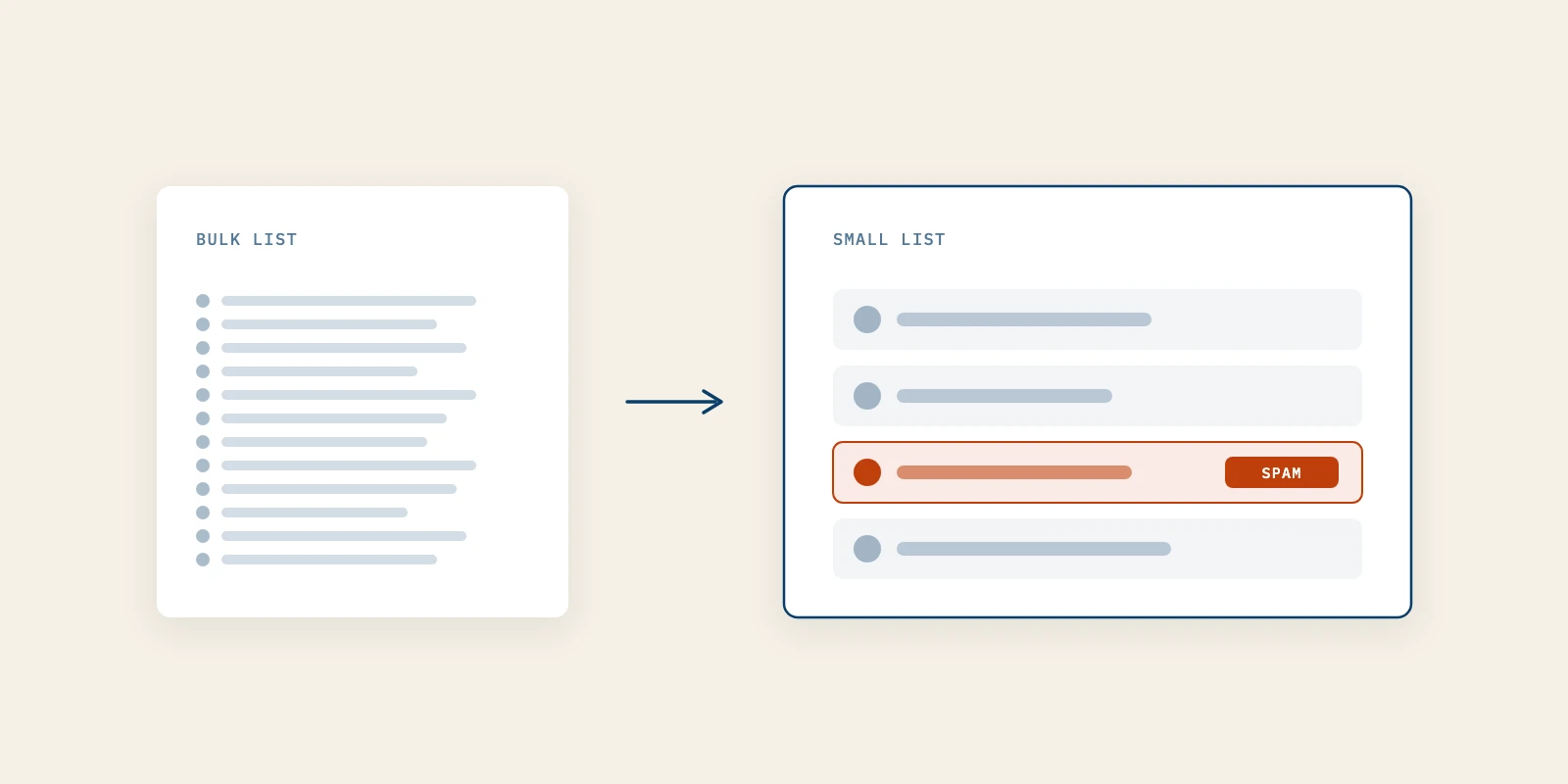
Email deliverability is whether a message you send reaches the recipient's inbox rather than being rejected or filtered to spam. Below the bulk sender line, which Gmail and Outlook set at about 5,000 messages a day, the published rules mostly stop applying and different risks take over. A new domain has no reputation, one complaint is a large share of a small list, and the dashboards that would warn you usually show nothing.
You send the first issue of your newsletter to a few dozen people who asked for it. Two reply, most say nothing, and one mentions that it arrived in spam. You go looking for help and find the same list of sender requirements everywhere, written for companies mailing thousands of people a day.
That list is not wrong, and its pre-send checks still apply to you. Guides to content marketing for tech companies treat email deliverability as a solved setup step. At small volume it is mostly a question of history you have not built yet.
This covers where the bulk sender line sits, the four risks that replace it on a small list, and who should hear from a new domain first.
Where the Bulk Sender Line Sits and What It Leaves Out
The bulk sender line is a daily volume threshold, and most email deliverability rules hang off it. Google's email sender guidelines FAQ defines a bulk sender as one that sends "close to 5,000 messages or more to personal Gmail accounts within a 24-hour period."
Three details in that definition matter more than the number. The count covers every message from the same primary domain, so mail from a subdomain adds to the total for the root. Google also says a sender that meets the criteria once is permanently classified as bulk, and that changing your sending practices later does not remove the status.
The third detail is the audience. Google states that its sender guidelines do not apply to messages sent to Google Workspace accounts. A newsletter read mostly at company addresses is judged by each company's own filtering instead.
| Mailbox provider | Who counts as bulk | What reaches a small sender |
|---|---|---|
| Gmail, personal accounts | Close to 5,000 a day, whole primary domain | SPF or DKIM, valid DNS, TLS, spam rate under 0.3 percent |
| Outlook.com consumer addresses | Over 5,000 a day per domain | Best practice, with enforcement aimed at large senders first |
| Google Workspace recipients | Not covered by the Gmail sender rules | The recipient company's own filtering |
Microsoft set the same number for Outlook.com in its requirements for high-volume senders. Asked about senders under 5,000 a day, its FAQ says enforcement targets large senders first and all senders benefit.
The requirements that do apply at every volume are covered in our seven pre-send sender checks, and they are worth running before your first issue. Passing them is necessary. It is not what decides email deliverability when the list is small.
Four Email Deliverability Risks That Replace Bulk Rules on a Small List
Below the bulk line, email deliverability depends on four conditions the checklists never mention. Each one is quiet, and each one is cheaper to handle now than after the list grows.
1. A New Domain Starts With No Reputation to Lean On
Domain reputation is the rating a mailbox provider gives your sending domain. It is built entirely from past behavior. Google's Postmaster Tools documentation defines every one of its reputation levels, from bad to high, as a history of sending something.
A domain registered a few weeks ago has no history, so it has no rating to protect it. Google's FAQ defines a new domain as one that has never sent more than 5,000 emails a day to personal Gmail accounts under the current rules. That describes nearly every startup.
In practice, a well-authenticated issue from a new domain can still land in spam, because there is nothing on file saying the mail is wanted. Picture two founders sending the same text to the same forty people. The one whose domain has a year of ordinary one-to-one mail behind it starts with more margin than the one who registered the domain last month.
You cannot buy history, but you can avoid spending it before you have any. Send your early issues at a steady rhythm, to people who expect them, from one From address that never changes. A new domain that sends nothing for two months and then mails everyone it knows looks exactly like a domain that was bought to send mail.
It is working when test copies to your own Gmail and Outlook accounts reach the inbox several sends in a row, and replies keep arriving. The common mistake is treating the first issue as a launch. Mailing every contact you ever collected asks a domain with no record to vouch for all of them at once.
2. Every Complaint and Every Bounce Counts for More
A small list turns single events into large percentages. Google calculates the user-reported spam rate daily and asks senders to stay below 0.1 percent. One complaint on a send to forty people is 2.5 percent, while one complaint on a send to 1,000 people is exactly the line.
Google does not publish how it treats a sender whose daily volume is that small, and it would be dishonest to pretend otherwise. What the arithmetic does show is that a small list has no scale to absorb a bad signal. Your spam rate is effectively decided by a handful of people.
The same Postmaster documentation adds a trap. The spam rate is measured on mail that reached the inbox. If Gmail already routes most of your issues to spam, the rate can look reassuringly low, and a clean number on a small list can mean nobody complained, or that nobody saw the mail.
Bounces work the same way. Google's email sender guidelines recommend automatically unsubscribing recipients who have multiple bounced messages. On a list of a few dozen, three dead addresses from an old spreadsheet are a visible share of every send.
To run this properly, remove anyone who did not knowingly subscribe before the first issue, and delete an address the first time it hard bounces. It is working when a send produces no complaints and no permanent bounces. The mistake is adding sales prospects from your CRM because they would probably find it useful.
3. Your Newsletter Shares a Domain With Everything Else You Send
Google counts volume across the primary domain, so your newsletter, product notifications and cold outreach are less separate than they look. They are three kinds of mail building or spending one set of history.
Google's guidelines say messages of the same category should share one From address, and that one message should not mix content types. On a young domain the practical reading is blunter: the outreach sequence that collects complaints on Tuesday is spending the trust your newsletter needs on Thursday.
This is where a founder working with a B2B demand generation agency needs to ask one question before any sequence goes out: which domain is it sending from? Outbound volume from your root domain can cost the reputation your newsletter depends on, even if the outreach itself follows every rule.
It is working when you can name the domain and From address behind each kind of mail you send. The mistake is discovering the overlap only after a spike in complaints, when the history has already been spent.
4. The Dashboards Go Quiet Below a Certain Volume
Postmaster Tools is the only free view Google gives you of your own sending. At small volume it often shows little or nothing. Google says each dashboard "might not include all data on days when outgoing email volume is low," to protect the privacy of Gmail users.
Its deliverability analysis tool lists sending too little email as one of the conditions it reports on. That is an honest answer, and it means the monitoring advice written for bulk senders does not transfer to a list of forty. You have to build a smaller instrument yourself.
- Keep test accounts at personal Gmail, Outlook.com and one company domain, and send every issue to them first.
- Open the raw headers of each test copy and confirm SPF, DKIM and DMARC say pass.
- Ask three subscribers you know personally where the issue landed.
- Count replies per send rather than opens, since Google says it does not track open rates.
- Read the text of every bounce message, because it names the reason a dashboard would summarize.
This is working when you can say, for each send, where the test copies landed and how many people replied. The mistake is waiting for a dashboard to fill up. By the time your volume produces data, the early reputation has already formed.
Warming a Sending Domain Means Choosing Who Hears From You First
On a small list, email deliverability during warm-up depends on who receives the first sends, not how fast volume climbs. Google's advice is to start with a low sending volume to engaged users and increase it slowly. At forty subscribers the second half barely applies, and the first half is the whole job.
The first sends teach a mailbox provider what your mail is. If the earliest recipients open, reply and move the issue out of spam, the domain starts its history as wanted mail. Google's guidelines also note that messages from an address in the recipient's contacts are less likely to be marked as spam.
- Send the first issue to people who asked for it by name and are likely to reply.
- Ask those early readers to reply once, which is a stronger signal than any open.
- Add later subscribers in small groups rather than importing everyone in one send.
- Keep the day and the From address the same from one issue to the next.
The subscribers who warm a domain fastest are the ones who came looking for you. That is why an AI SEO service and a newsletter work well together. Readers who found your writing through Google or inside an AI answer arrive already expecting the mail.
Better Marketing handles SPF, DKIM, DMARC, domain warm-up and sending limits before a client's first issue goes out. The order of the first sends is much harder to fix afterwards than a DNS record.
Personal Inbox vs Email Service Provider for a Small Newsletter
A personal inbox can carry a small newsletter, but an email service provider protects email deliverability in ways Gmail or Outlook were not built to. The difference is less about volume limits and more about headers, bounce handling and whose reputation the mail spends.
| Factor | Personal inbox | Email service provider |
|---|---|---|
| Unsubscribe | A line of text you honor by hand | List-Unsubscribe headers, if you turn them on |
| Bounces | You remove dead addresses yourself | Can suppress repeat bounces automatically |
| Reputation spent | The same address as your one-to-one mail | A sending address or subdomain you choose |
| What the platform intends | Person-to-person email | Mail to a subscribed list |
Microsoft says the last row out loud. Its Exchange Online limits set a recipient rate limit of 10,000 recipients a day to discourage unsolicited bulk mail. The same page adds: "Exchange Online customers who need to send legitimate bulk commercial email (for example, customer newsletters) should use third-party providers that specialize in these services."
The unsubscribe row matters more than it looks. Google's FAQ says mailto and body links do not meet its one-click unsubscribe requirement, and that a List-Unsubscribe header is how it is done. Check the raw headers of a message you sent from your own inbox and see what is there.
The reputation row is the one founders miss. A newsletter sent from your investor-update and support address puts all three on one history. A bad send then affects mail you cannot afford to lose.
When Small-List Email Deliverability Advice Does Not Apply
Small-list email deliverability advice assumes you control the sending domain, and three situations break that assumption. In each one, the steps that matter for a domain you run yourself shrink or change.
If your newsletter runs on Substack or beehiiv under their domain, the platform owns most sending decisions. The trade-offs sit in the platform choice, covered in beehiiv vs Substack for software founders. Your job there is list quality, not DNS.
If nearly every subscriber reads at a company address on Google Workspace, Gmail's sender guidelines do not govern those messages at all. Each company's filters do, which is how one reader can receive the issue while a colleague at the same company never sees it.
If your domain has ever crossed the bulk line, even once for a product launch, Google treats it as bulk permanently. The full requirements then apply whatever your newsletter's size. Plenty of content marketing for tech companies assumes a fresh domain, when an older one with a busy product may already be past that point.
Send the First Issue to the People Most Likely to Reply
Email deliverability on a small list is earned in the first few sends, before any dashboard shows it. Run the pre-send checks, keep outreach off the domain your newsletter needs, and send first to the readers most likely to answer.
An AI SEO service fills the list with people who came looking, and a B2B demand generation agency turns the ones who reply into conversations. Better Marketing starts that outreach from what your readers actually opened, clicked and answered.